Trending Updated
How to make the Stop Sign AI video
A driver at night asks why they were stopped and mishears the answer as if there were no stop sign. MakeViral says its file is a new scene from your photo or your pet, with that exchange. Oakgen recreates the same exchange in a 15-second landscape clip. The post we use is an AI chihuahua in a hoodie, not the person from the bodycam.
Also searched as: What stop sign, stop sign what stop sign, AI stop sign dog
- You need
- 1 photo of you or your pet
- You get
- A 10-15 second night stop
- Tools compared
- 2
Quick pick
- Want the vertical clip at a lower credit price: MakeViral, 126 credits for 10 seconds.
- Want the 15-second landscape file: Oakgen, 3,000 credits at 720p.
Tools compared
| Tool | Photos | You get | Cost | Account | Free | Watermark |
|---|---|---|---|---|---|---|
| MakeViral | 1 photo of you or your pet ↗ | 10 s with the original sound ↗ | 126 credits ↗ | Not stated | Not stated | No watermark ↗ |
| Oakgen | 1 sharp photo of the driver ↗ | 15 s landscape with the original dialogue ↗ | 3,000 credits per 720p video ↗ | Not stated | Not stated | Not stated |
Hover or tap ↗ to see the exact words on the tool's page and when we checked them.
How to make it with each tool
MakeViral
MakeViral says this is a new scene. The example it credits is an AI dog, not footage of the driver.
- Add a photo of you or of your pet.
- Generate. The page lists 126 credits.
- Download the 10-second clip.
Oakgen
- Upload one sharp photo and the clothes you want in the scene.
- Pick a quality. The page lists 3,000 credits for 720p.
- Download the 15-second landscape clip.
FAQ
Is the real driver in the video?
No. The dialogue is from a night traffic stop. MakeViral builds a new scene, and the clip we show is an AI chihuahua in a hoodie.
Can I use a pet photo?
MakeViral says yes. Oakgen's page asks for one sharp photo of the driver.
More memes
 Trending
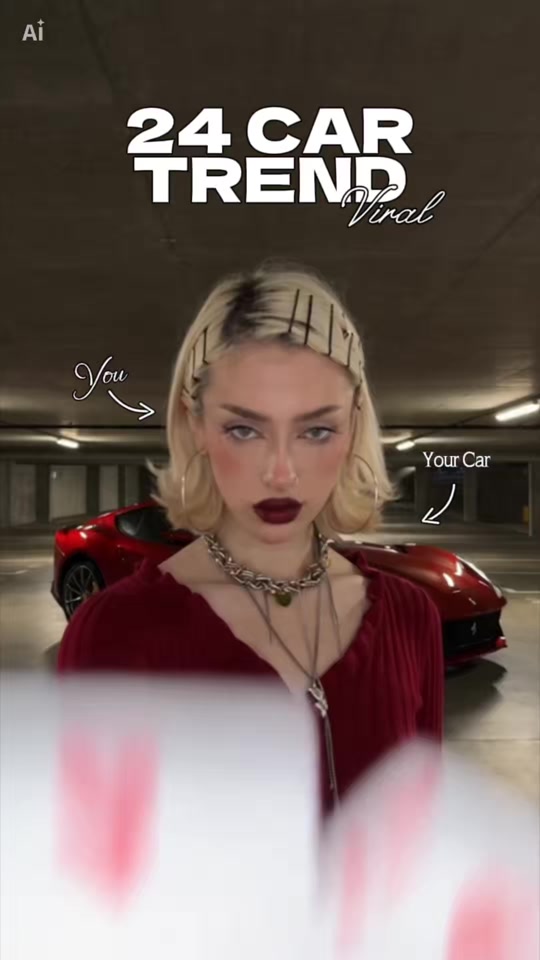
Unforgettable Car
Someone holds a 2 and a 4 up to the camera, swipes a hand across the lens, and a car is parked behind them. The sound is Unforgettable by French Montana featuring Swae Lee. They do not endorse these tools.
- You need
- 1 photo of you, plus an optional car photo
- You get
- A 10-15 second clip
 Trending
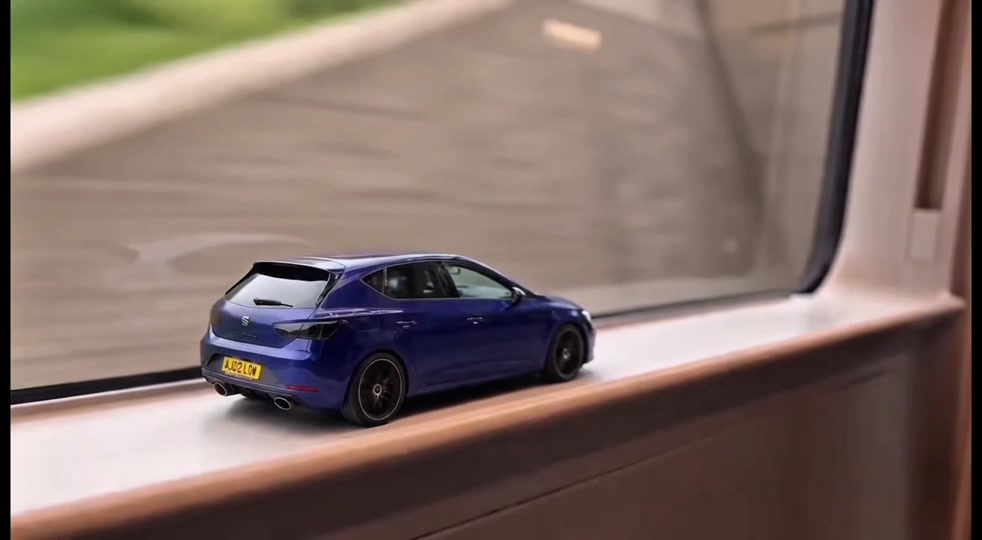
Toy Car to Real Car
A tiny toy version of your car rolls along a ledge, the shot cuts, and the real car drives out. The two sites build slightly different scenes.
- You need
- 1 or 2 photos, including your car
- You get
- A 10-second vertical clip with sound